Some deliveries may take a little longer than usual due to regional shipping conditions.

DOWNLOAD THE APP


Customer Services
Copyright © 2025 Desertcart Holdings Limited
DOWNLOAD THE APP

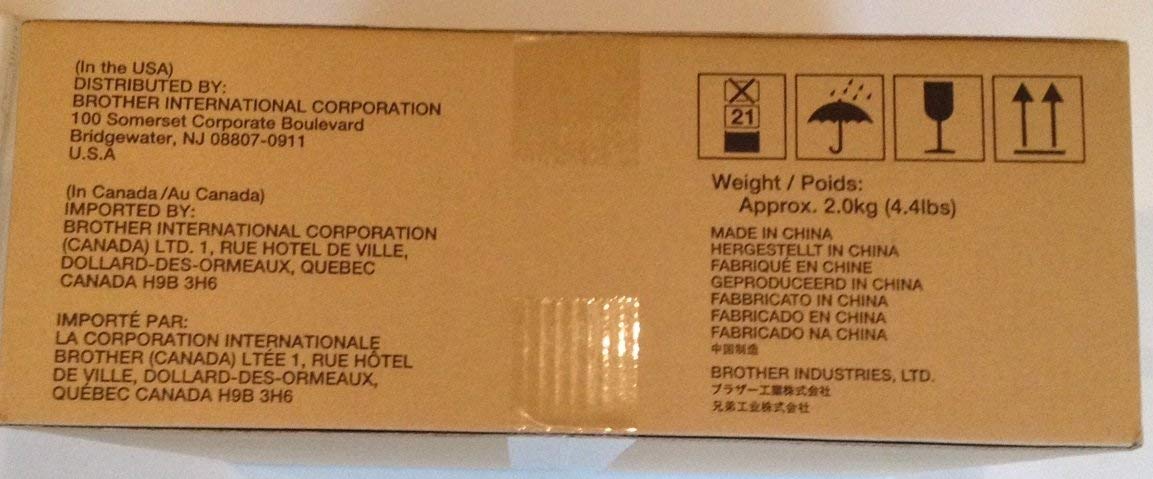
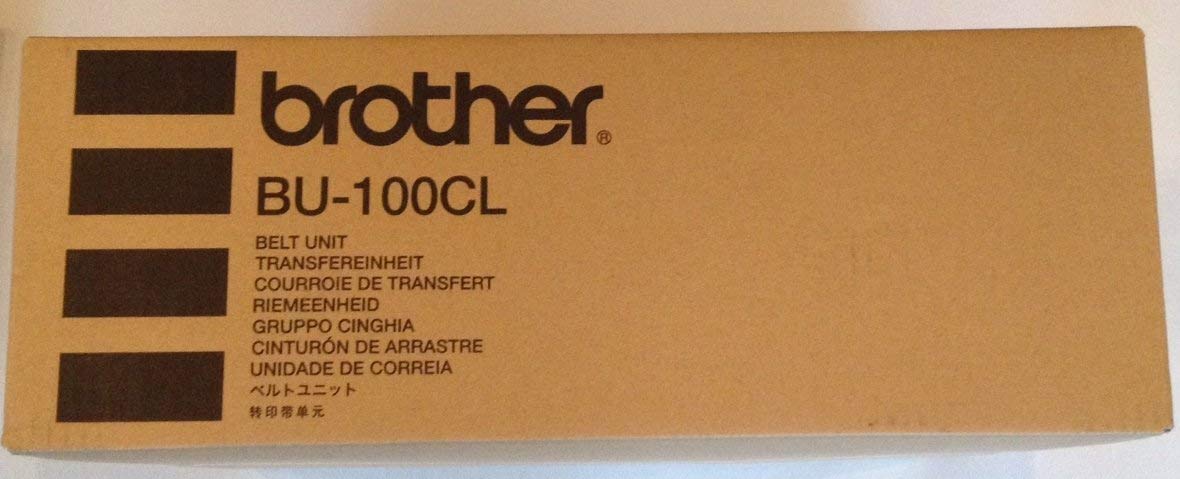
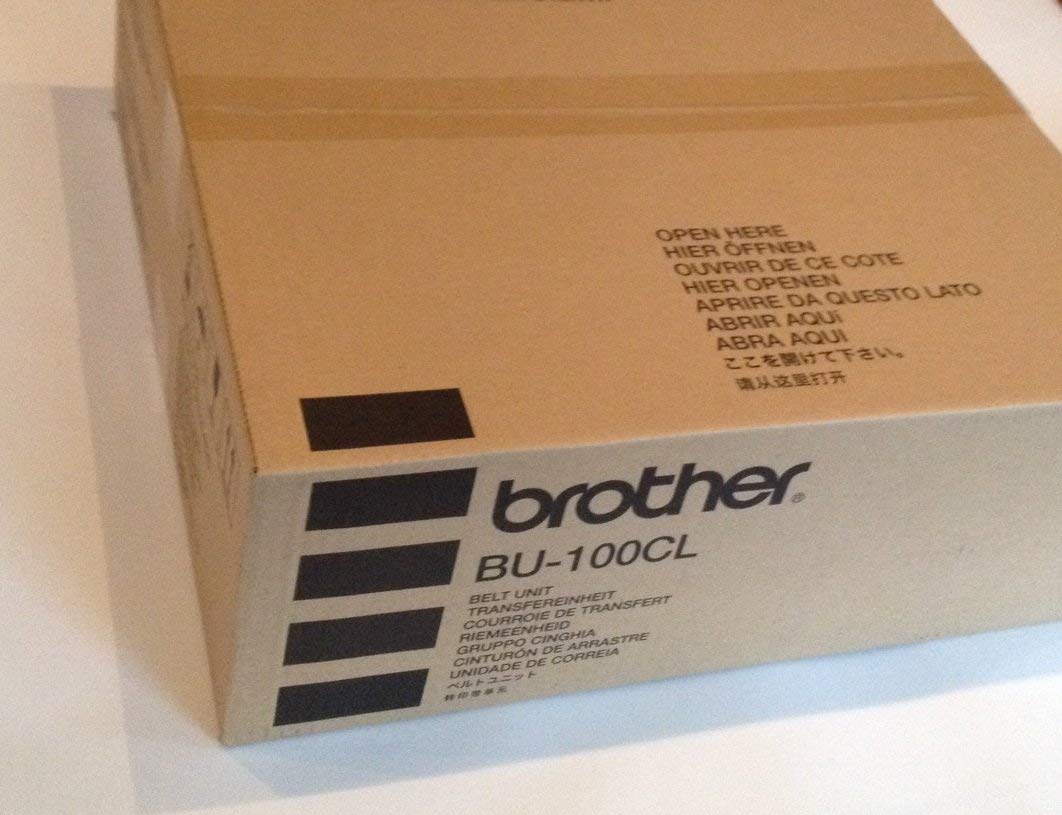
⚙️ Keep your prints flawless and your productivity unstoppable!
The Brother BU100CL Transfer Belt Unit is a high-capacity printer accessory engineered to deliver up to 50,000 crisp, consistent prints on letter-size paper. Designed for durability and precision, it ensures long-lasting performance and seamless compatibility with Brother printers, making it an essential upgrade for busy professionals seeking reliability and efficiency.
I**T
Necessary part to change; easy to buy and easy to install
A broken belt unit can lead to bit of a clean-up job inside your printer, so replacing the belt unit is for peace. Changing the belt unit in the Brother duplexing color laser model HL4040CDN simple. With the power switched to "Off", open the front of the printer as if changing toner. Slide out the drum unit until it stops. Remove the drum unit and set it on a clean paper on a table top. Lift the old belt unit out. It lifts from this green tab at the front of the belt unit. It weighs only a couple of pounds so it is easy to lift up and out from the printer. Replacing is the reverse of the process. Note: If you are changing out the excess toner box, it sits right below the belt unit, and that is just one more step to replace. I changed out the excess toner box while changing out my belt unit because it was about due, too. Afterwards the instructions walked me through the procedure to reset the belt unit counter via the on-printer menu. The procedure took 9 minutes in total to change both.The price is about $25 less via Amazon--delivered--than it is to buy in the local Office Depot.UPDATE 11/6/2013We have gone 37,000 pages printed thus far in two years. We are on the original drum. There is no toning, and no dots or streaks appearing on the image. The drum is behaving well thus far.Amazon's ordering process was easy. Order processing was by the next day. And delivery took 2 days--to Hawaii. And we had selected Super Saver Shipping which was free.21 months later and we are being advised by the printer to change the belt unit again. $94 is steep; however, having read of several other experiences with broken belt units it is perhaps wise to change it. I've managed to stretch my usage by about 30,000 pages. That might be worth considering.While toner costs are strictly 1.5 cents per page in our use, the ancillary costs are adding up. So while ink printing may be more expensive; those new HP full page width ink cartridges can become cost-competitive since inkjet printers have far fewer parts of wear as compared to their laser counterparts. Your mileage may vary.
C**L
Definitely OEM
One reviewer stated that his/her belt unit did not arrive in the original box. Mine arrived in the OEM box shown. The install directions were very clear. The reset instructions were not exactly for my model (an old MFC-9840CDW) so talked about a +/- button while I have a "Menu" button. Regardless, with less than a minute of trial and error, I found the correct reset page and then hit "OK" twice as instructed. In the recent past, I've been getting black edges on both sides when printing duplex. Now, after printing just one page, I seem to be getting less black on the back edges and none on the front edges. The worst problem is that I ordered one belt unit, but received two orders, each with different order numbers, in the same large box (ie, each belt unit was in its own individual OEM carton, both were in one large box, and the large box also had two invoices). With a few clicks, I was able to print a free return label for the second drum unit.
A**R
Still baffling about why the printed papers are still shown their troubleshoots....
Nothing to find a good solution after installing a new one. The printed still showed a texture pattern in a vertical line in between 4.50 inches and 6.25 inches in across a line of 8.5 inches. Long vertical line has exposed in a texture feeling in every printed page. I have no solutions after buying new waste toner, drum belt, and all new toner cartridge. And the life of Drum set is still good at 75% left. I tried to check all troubleshoots about this issue, no luck in finding any solutions. I may consider to buy a new printer! This printer has over 30,000 printed pages since 2012.
V**X
Fixed error 32 on MFC-9840cdw. Recieved in 1 business day.
Service from seller was amazing. Arrived in 1 business day even though free standard shipping was selected. Fixed my "Error 32". Product was in original Brother packaging. One issue which was not the fault of the seller is the directions to reset the belt unit counter for the MFC-9840 CDW were not correct in the product instructions. The following is the procedure for this printer.1. In ready mode, press the 3 and 9 button at the same time so that the reset menu appears.2. Press the up or down arrow until you get to the belt unit, then press ok.3. Select 1 to reset.4. Your printer should now be in the ready state with the belt unit reset.
L**.
These will eventually have to be replaced. Look for loss of resilience along the inside (outer edge) of the belt. It hardens.
We needed a new belt unit, so I bought 2, just in case they became obsolete. How do you know if your belt unit is bad? I cannot find a good answer anywhere. Brother simply lets the counter keep track, and warn you when a magic number is reached. I always just reset the counter and kept using it. I do not think the print quality is affected by doing so, but I do notice that the belt tends of have more "slack" but keeps working. Eventually, however, I noticed a gummy fragment inside the machine somewhere. I check the belt unit, and noticed that on the bottom (each side, left and right) there is a ridge of this gummy material installed. Mine was becoming hardened and ready to break away in segments, one of which I was lucky enough to see. So...that was when I knew it was time to stop cheating the system and pay the piper.
C**L
As advertised
This is the item as described. The only reason I don't give it 5 stars, is that the cost per page of the LASER printer is too high. In addition to the expensive ink, you have to routinely buy drums, belts, and waste toners. This is in addition to anything that goes wrong with the printers/scanners(scanner bulbs, ADF wearing out etc). On the pro side the unit has been fairly reliable, except that it doesn't work well with aftermarket toners. These toners should be much cheaper considering how long they last in the printer.
B**M
Bonne courroie d'origine
Cette courroie est bien du matériel d'origine.Les performances correspondent à ce qu'on attend et le prix est tout à fait avantageux sur amazon.
M**T
pièce imprimante
j'avais besoin de cette pièce mécanique pour pouvoir réutiliser mon imprimante. C'est une pièce nécessaire sans laquelle je ne pouvais rien faire et elle a été très facile à remettre en place.
桑**茶
並行輸入品だけど問題無し
MFC-9640CWで使ってますが問題有りません。国内流通品との価格差で何か違いがあるのかと勘ぐってしまいましたが、差異は見付けられませんでした。
T**I
Rücksetzen des Druckers klappt nicht
Die Lieferung fand schnell statt, das Ersatzteil scheint original zu sein.Merkwürdig ist nur, das nicht wie in der Anleitung beschrieben nach Austausch ein Menü angeboten wird,durch das der Zähler auf 0 gesetzt werden kann. Das bedeutet theoretisch, daß die Lebensdauer nicht voll genutzt werden kann. Anfrage bei Brother ergab nur Verweis auf lokalen Händler, der sicher keine Lust hat, sich damit zu befassen ==> sehr schwach von Bother.
M**Z
Original Ersatzteil
Wir haben einen "alten" Brother MFC 9840 CDW aus 2008, den wir sehr schätzen. Es ist gar nicht mehr so einfach, an Originalersatzteile ranzukommen. Wir sind froh, dass es diesmal nochmal geklappt hat.
Trustpilot
1 week ago
1 week ago